Learn Digital Drawing with Procreate
Digital art gives you the freedom to create anywhere. I will show you how to master Procreate from scratch, whether you want to sketch on the go or build detailed illustrations.
My very first digital sketch on Procreate. It was a new experience for me, but I loved the process of learning how to create realistic textures digitally.
A look at the process behind my first digital portrait. It shows that even when you're trying something new, the fundamentals of drawing still apply.
Holding up the finished digital eye drawing. Working on a tablet allows me to draw anywhere, like in this hotel lobby.
Here I am working on a digital sketch while traveling. The iPad and Procreate are my go to tools for staying creative on the move.
A simple line art animation I created on Procreate. Digital tools open up so many possibilities, including adding movement to your drawings.
About Digital Drawing with Procreate
We won't just focus on the theory. In these sessions, we dive straight into how I manage complex illustrations using Procreate, from setting up clipping masks and layers to getting that perfect line art. You'll see how to troubleshoot common mistakes and pick up shortcuts that actually save time, so you can stop wrestling with the interface and start making art.
Digital art can feel intimidating, but the iPad has changed how I approach sketching. Whether you are used to traditional paper and pencil or are brand new to drawing, Procreate offers tools that make the process much more flexible. During our sessions, we cover the essentials that actually matter: understanding layer management to keep your work organized, using alpha locks for easy coloring, and mastering brush settings for different textures.
We also spend time on the basics of digital line art and how to achieve a clean finish without overcomplicating things. I show you my own setup, including the specific brushes I use for hair and skin tones, and how to prep your reference photos so you do not get stuck. If you are struggling with a particular aspect, like digital shading or handling gradients, we fix it together. My goal is not to turn you into a software expert, but to help you find your rhythm with digital tools so you can create whatever is in your head.
Similar work from other experts
Browse through Curated picks from other experts on mytribe
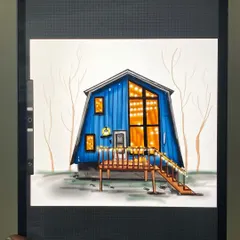
Procreate Digital Art Tutorials
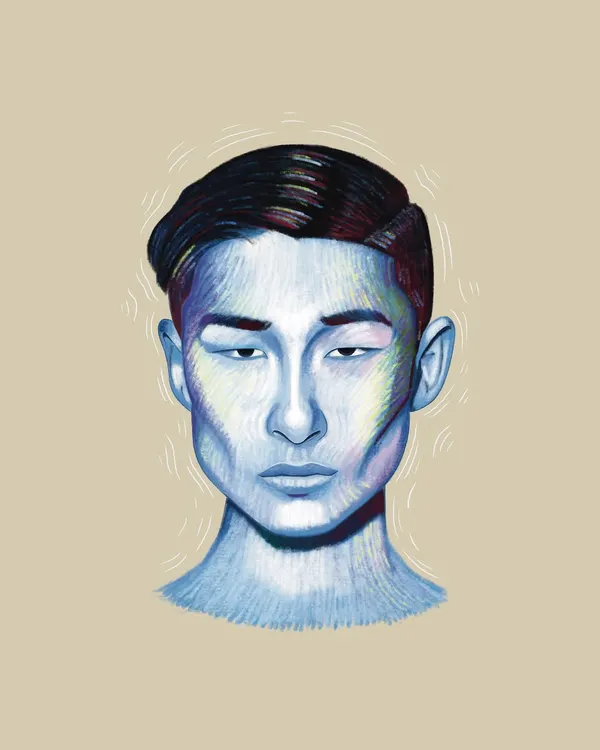 10
10
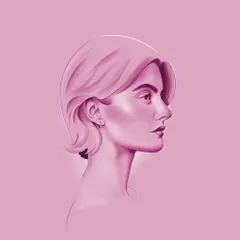
Modern Digital Portraits & Illustrations
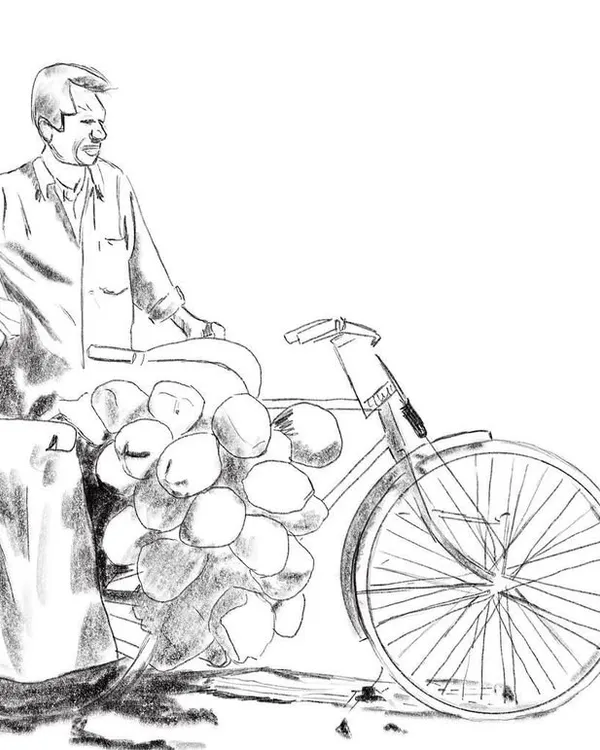
From My Sketchbook: Tutorials & Process
 7
7
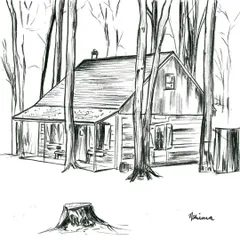
My Creative Process: From Sketch to Digital Art
Learn Digital Doodles & Procreate Art in Bengaluru
The Process: From Blank Screen to Art
More from Online Drawing Classes by Vishal
More services by Vishal