Procreate Digital Art Tutorials
Drawing on your iPad doesn't have to be complicated. Join me for easy-to-follow sessions where we turn simple doodles into beautiful landscapes, all while having fun with layers and textures.
Follow along as I create a stylized lighthouse scene at sunset using Procreate. This tutorial covers creating a simple composition, using color gradients, and adding small details like clouds and birds.
A fun and easy Procreate tutorial on how to draw a delicious-looking ice cream cone. I'll show you how to use layers for the cone texture, ice cream, and shiny caramel sauce.
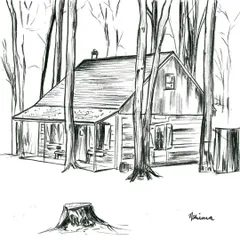
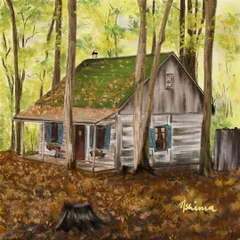
A cozy blue cabin in the woods, illustrated on my iPad. This piece demonstrates how to create atmosphere and warmth using lighting effects and simple textures in Procreate.
In this simple Procreate tutorial, I'll show you how to draw a peaceful landscape as seen from an airplane window. It's a great exercise for practicing layering and creating a sense of distance.
Watch me draw shiny, realistic gold foil balloons in Procreate to celebrate a milestone. This video is a great tutorial for learning how to create metallic textures and highlights.
About Digital Art on Procreate
I skip the heavy technical jargon and focus on the fun parts of Procreate, like blending colors and creating texture, right on your iPad. Whether we are drawing a simple ice cream cone or a peaceful landscape, I will walk you through my layer-by-layer process so you can get comfortable and confident with your Apple Pencil.
I believe digital art should be stress-free, not a headache. When I started with Procreate, I realized most tutorials dive too deep into technical settings, so I flipped the script. We focus on what actually matters: how to get those textures right, how to layer your drawings so they pop, and how to use the Apple Pencil to mimic traditional art styles.
We will cover things like:
- Blending Basics: Understanding how colors sit together on a screen to create depth.
- Layering Logic: Keeping your workspace organized so you don't get overwhelmed.
- Texture Play: Creating those shiny, realistic finishes like the gold foil balloons or the caramel sauce on ice cream.
Don't worry if your first attempt looks a bit messy. Chalta hai! I share my own mistakes too, because that is where the real learning happens. Grab your iPad, fire up Procreate, and let’s make something pretty today.
Similar work from other experts
Browse through Curated picks from other experts on mytribe
 5
5

Learn Digital Drawing with Procreate
Digital Art on Procreate: Beginner Tutorials in Bengaluru
Learn Digital Doodles & Procreate Art in Bengaluru
 7
7
My Creative Process: From Sketch to Digital Art
The Process: From Blank Screen to Art
 18
18
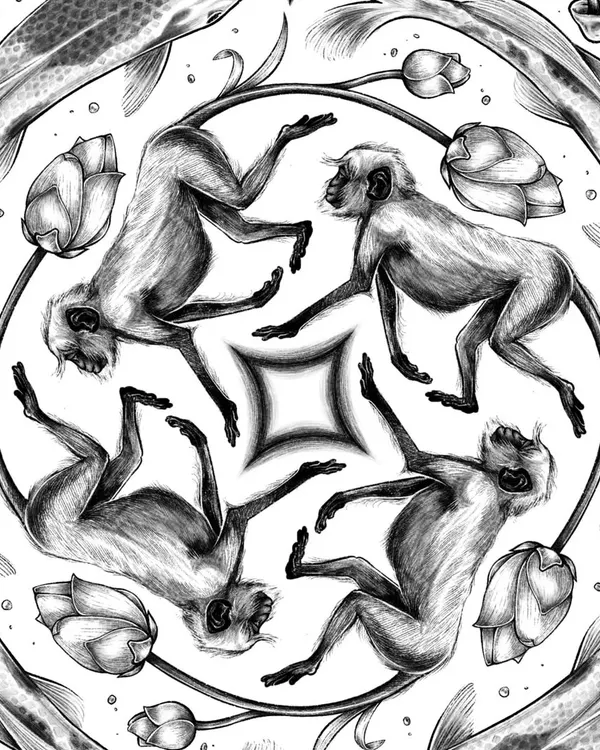
Custom Digital Illustrations and Patterns
More from Art Workshops & Tutorials by Bhagyashree Bhatt
More services by Bhagyashree Bhatt