Getting Started with Scratch Coding for Kids
Every coding journey needs a starting point. We use Scratch to help kids build games, understand logic, and see their own ideas come to life from day one.
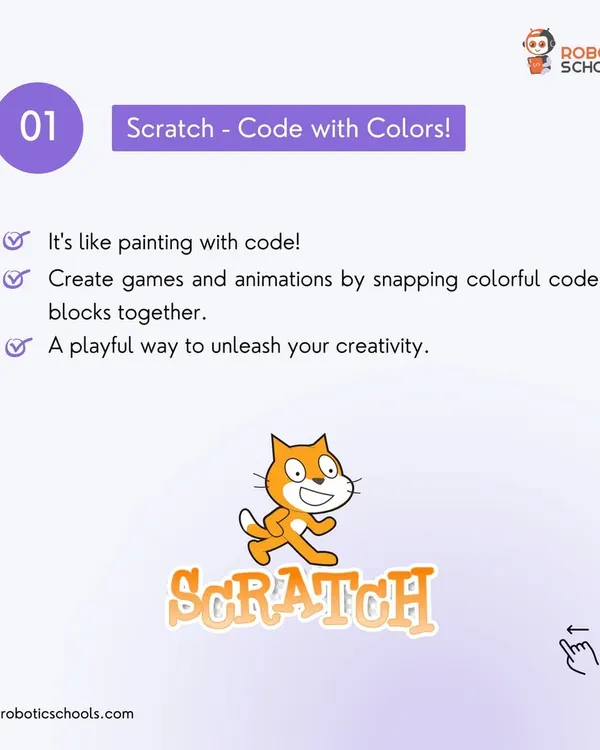
For kids who are completely new to coding, we always start with Scratch. It is a visual coding language where you drag and drop blocks to make things happen, just like playing with LEGOs. It’s the perfect and most fun way to begin your coding journey.
Here you can see my students proudly showing the birthday game they built for me using Scratch. Our online classes are interactive, and we celebrate every small creation, which builds a lot of confidence in young coders.
This game, where hand movements control the cat, is a fantastic example of what's possible with Scratch. Even with a beginner-friendly tool, we can explore advanced ideas like AI and create really cool, interactive games.
About Your First Step: Coding with Scratch
Scratch is more than just dragging blocks around. In our 60-minute sessions, we teach core concepts like X-Y coordinates, logic loops, and conditionals by building playable games starring characters kids actually know, like Chota Bheem or Doraemon. It is the fastest way for a 6-year-old to understand how programs think before they eventually move on to text-based languages like Python.
Why Start with Scratch?
For kids aged 6 to 10, jumping straight into complex syntax can kill their interest. We use MIT Scratch as a visual playground where the 'code' feels like digital LEGO blocks. This approach lets students focus on the logic behind the game—like how a character moves when you press an arrow key or how a score counter increases—without getting stuck on typos or complex syntax errors.
What Happens in a Session?
Our batches are small, usually 4 to 6 students, which allows for real peer learning. During our 8 sessions per month, we don't just teach theory. We build. Your child will work on:
- Game Design: Making playable mini-games featuring popular cartoons.
- Logic Building: Understanding how IF-THEN statements function in real-time.
- Creative Assets: Customizing sprites and backgrounds to make the project their own.
The Transition to Real Tech
Once students master Scratch, they aren't done. We teach them to think like a developer. When they are ready, we shift to Python and AI projects, using tools like MediaPipe and OpenCV to build gesture-controlled apps. We keep the instruction intuitive by mixing English and Hindi, ensuring that if a student is stuck, they can ask in the language they are most comfortable with. Whether you choose our online classes or visit our center in Pitampura, the goal remains the same: building confidence through creating.
Similar work from other experts
Browse through Curated picks from other experts on mytribe
 5
5
Coding Classes for Kids: Start Your Coding Journey
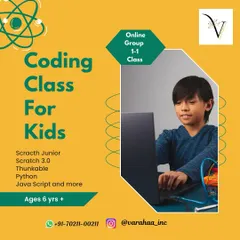
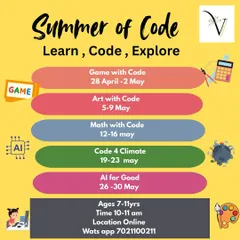
Coding & App Development Classes for Kids
Game Development & Animation Coding Workshops for Kids
Coding, Robotics, and AI Classes for Kids
Digital Creators: Fun Coding & Game Design for Kids
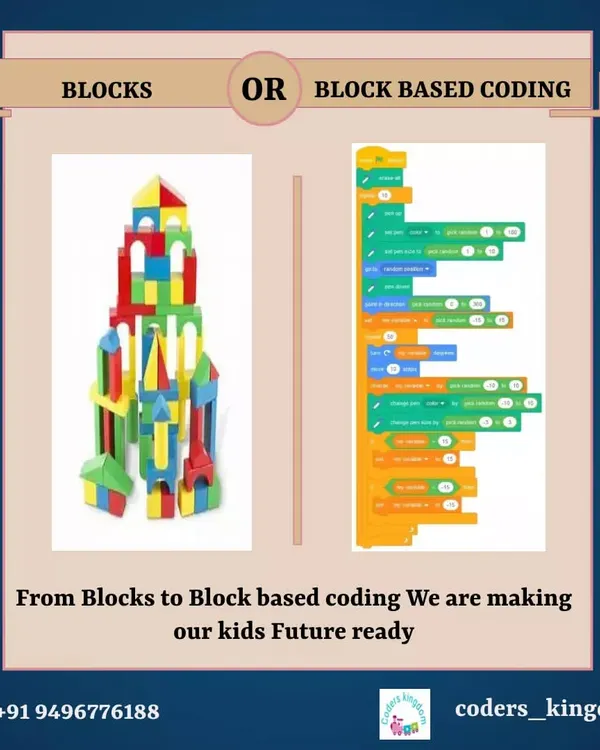 6
6Live Online Coding Classes for Kids
More from Game & App Development by Robotics Cafes
More services by Robotics Cafes