Coding, Robotics, and AI Classes for Kids
Our step-by-step learning path helps kids transition from visual block coding to real Python programming and AI, making technology something they create, not just consume.
One of our students gives a fantastic overview of Scratch, a visual programming language perfect for beginners. He explains how he uses drag and drop code blocks to create animations, like the moving bear you see on his screen.
We encourage students to think critically about technology. Here, our students hold a debate on the advantages and disadvantages of AI, discussing topics like 24/7 availability, the risk of over reliance, and the impact on future jobs.
Teamwork makes learning an adventure. In this video, students work together and then present their learnings on AI, breaking down complex topics like the different types of AI into simple, understandable terms.
During a 'No Bag Day' for 8th graders, we conducted a session on the future of AI and its impact on society. The day was filled with engaging discussions and reflections, helping students think deeply about the technology that will shape their world.
Our instructor gives a sneak peek into the tools we use. She introduces the Arduino board for microcontroller projects and the more advanced Raspberry Pi, which can function like a small computer, as well as various sensors like joysticks for building gamepads.
About Our Learning Journey: Scratch, Python & AI
Many parents worry about the leap from drag-and-drop games to typing actual code. At our HRBR Layout lab, we bridge that gap by teaching kids to read error messages and debug their own logic first, making Python feel less like a complex language and more like a tool they already know how to use.
From Logic to Language
We don't believe in long lectures or heavy theory. Our curriculum is built on a progressive learning path designed to keep students engaged at every stage of their development:
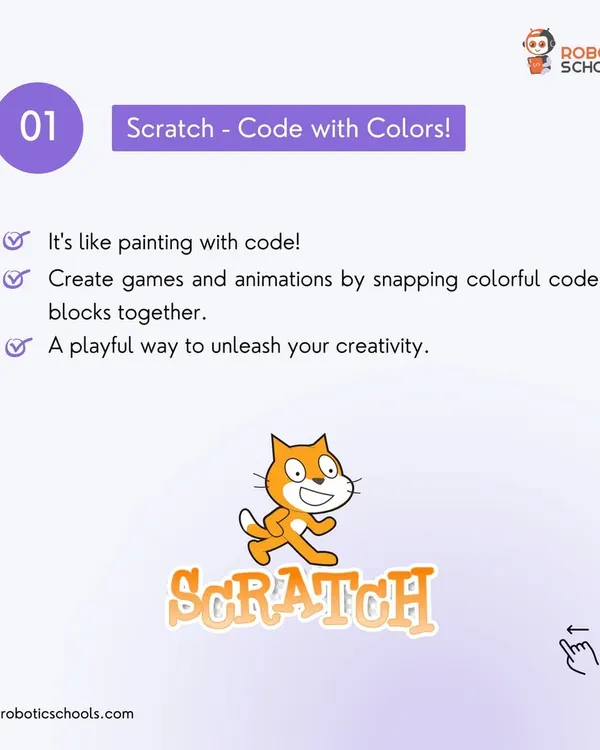
- Phase 1: Scratch (The Logic Foundation) - We start here because it removes the frustration of syntax. Kids learn variables, loops, and coordinate geometry by building games. They see their logic come to life instantly, which builds the confidence they need for harder concepts.
- Phase 2: Python (The Professional Step) - Once the logic is solid, we move to text-based coding. We guide students through professional environments, teaching them to handle variables, data types, and functions. They aren't just typing; they are building functional applications like calculators and text adventure games.
- Phase 3: AI & IoT (The Future) - This is where the magic happens. Students learn to interface with hardware like Arduino and Raspberry Pi or explore AI tools. We focus on design thinking, asking kids to plan their UI and UX before they write a single line of code.
Why Our Approach Works
We keep our batches small, with 6-10 students per group. This ensures that every child gets the personalized guidance they need, whether they are picking up coding concepts quickly or need extra time to understand a specific bug. We prioritize the 'aha!' moment over finishing a syllabus. By the end of our modules, students don't just walk away with a certificate; they have a portfolio of projects—games, apps, and models—that they built themselves. This proof of work is the best way to develop genuine STEM skills that last beyond the classroom.
Similar work from other experts
Browse through Curated picks from other experts on mytribe
 5
5
Coding Classes for Kids: Start Your Coding Journey
Robotics & Coding Classes for Kids
 10
10
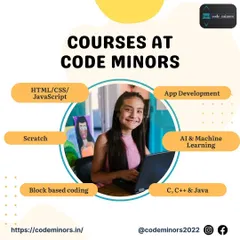
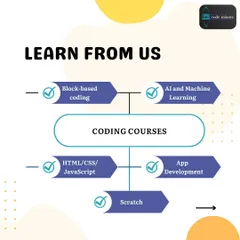
Our Coding Programs: From Scratch to AI
 20
20
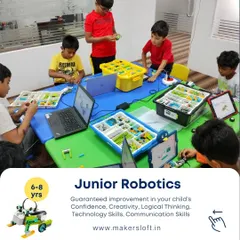
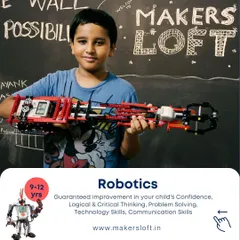
STEM and robotics programs for ages 3 to 15
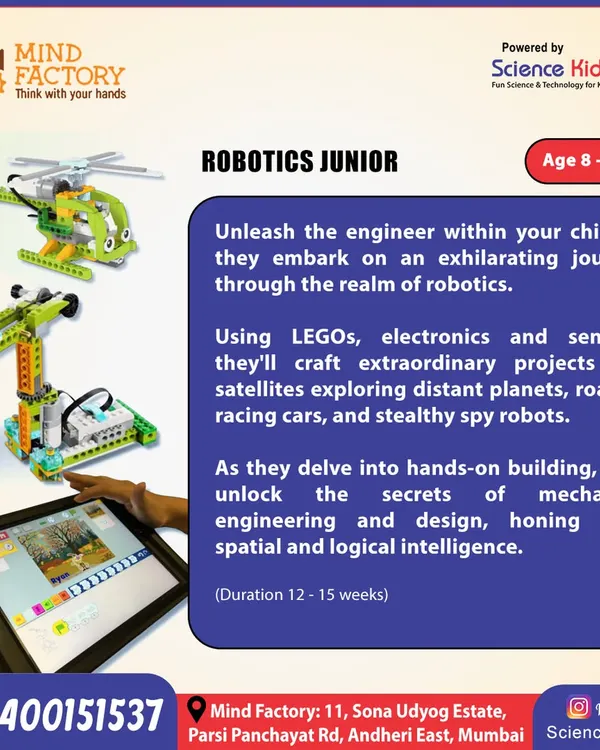 12
12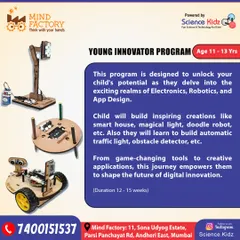
Robotics and Coding Courses for Kids
 6
6
Exploring AI and Future Technology for Kids
More from Coding and AI Programs for Kids by Robomations
More services by Robomations