Game & App Development in Delhi Ncr

We help kids build real games and apps from scratch, starting with simple projects and moving to Python and AI, so they learn coding by actually making things they can use and show.
Pricing Guide
ESTIMATESAbout Game & App Development
Making Coding Fun for Kids
At Robotics Cafes, my aim is simple: I want kids to actually enjoy coding, not just study it like another boring subject. We keep things hands-on, so every session feels more like playtime than a class. Coding, for me, is all about creating, experimenting, and watching your ideas come alive.
What We Build Together
- We jump straight into building real stuff: games and mobile apps kids can actually use and show off.
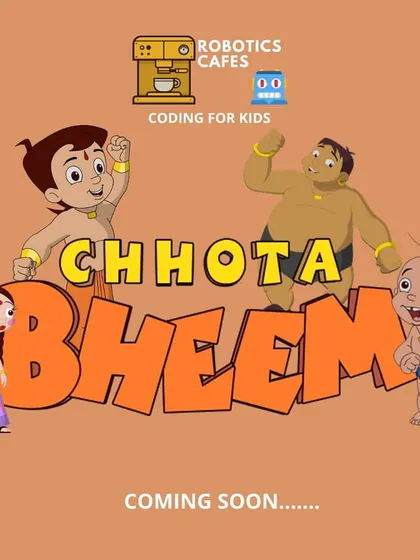
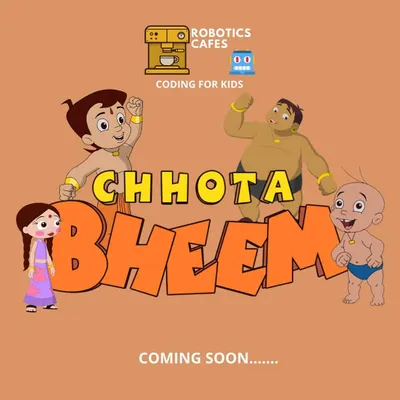
- Think of making your own Chota Bheem game or a multiplayer car race to play with your friends.
- App development? Yup, we make simple tools like your own calculator or a cool stopwatch app.
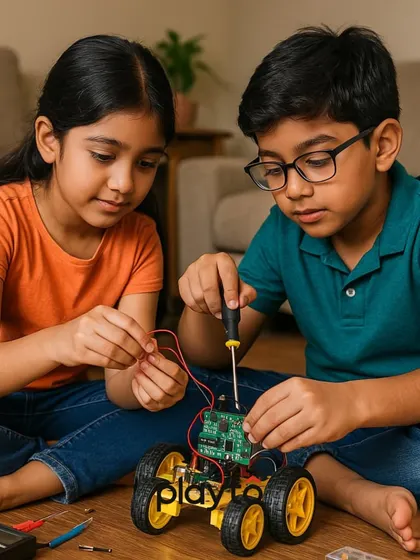
- And sometimes, we connect those apps to hardware - imagine switching on an LED with your phone.
How the Journey Starts
- Total beginner? No problem. We always start with Scratch game tutorials. It’s like putting together digital LEGO blocks - simple, visual, and fun for everyone.
- Once you’re ready, we level up to Python app projects, where you type real code, just like the pros.
AI and Real-World Magic
- We don’t stop at basic games. Ever tried playing a game just by waving your hand? With AI game development for beginners, we make it happen. Kids can control characters using their body - no keyboard needed.
More Than Just Coding
- Your child picks up problem-solving, logic, and a big dose of creativity along the way. Confidence grows with every project.
If you want your kid to get future-ready and pick up real skills, this is where we start.
Highlights
Browse through Robotics Cafes's best work
Meet your Expert
Robotics Cafes
My Story
Kids love playing games, but I always thought, why not make your own? That’s how Robotics Cafes started – not your usual classroom, more like a playground for tech. I still remember, once my students made a surprise 'Happy Birthday' game for me, I just laughed and asked, 'Arre, tum logo ko kaise pata chala?' (How did you all find out?). Watching them build their own Tom and Jerry game, or seeing a robot move for the first time – that’s the real fun. Here, we build confidence, not just code.
My Work
What we teach - We cover creative coding for kids, robotics, Python, AI, 3D printing, Arduino, Scratch, and game/app development.
Learn by Doing - No boring theory. You build stuff – like Chota Bheem coding projects and robots that actually move.
Fun First - Classes mix English and Hindi. The goal? Make you love coding, not fear it. It’s really fun.
For Every Kid - Beginners or advanced, all are welcome. Online and Pitampura, Delhi center. Age 6+. Start with basics, go advanced.