Essential Coding Tips & Tech Insights
Tech moves fast, and keeping up can be overwhelming. I share these quick hacks, shortcuts, and insights to help you code smarter and get industry-ready from day one.
Boost your coding speed with these essential keyboard shortcuts for VS Code. Working faster means you can build more and learn more.
Choosing the right code editor is important for your workflow. This graphic maps popular programming languages like Python, Java, and JavaScript to their recommended editors.
A quick reference for essential HTML tags. Mastering these basics like hyperlinks, images, lists, and forms is the first step to building any website.
Understanding the CSS Box Model is fundamental for web design. This visual explains the relationship between content, padding, border, and margin.
What's the difference between Git and GitHub? This simple chart explains it clearly. Git is the tool for version control, while GitHub is the service for hosting your projects.
JavaScript vs. TypeScript. This comparison breaks down the key differences, from dynamic vs. static typing to flexibility vs. code structure.
Ever wonder how Netflix is built? It uses a powerful tech stack including Python, Node.js, Java, and React. We teach these same technologies so you can build amazing things too.
Did you know JavaScript was created in just 10 days? This fun fact shows how quickly powerful technologies can emerge.
A quick history lesson. The World Wide Web was invented by Sir Tim Berners-Lee in 1989, laying the foundation for the internet as we know it.
Did you know that "web development" and "full-stack development" used to mean the same thing? Today, full-stack refers to proficiency in both the front end and back end of a system.
About Coding Tips & Tech Insights
Most students struggle because they spend too much time on the wrong tools or inefficient workflows. In my sessions, I don't just teach syntax; I show you the actual shortcuts—like how to master VS Code or properly set up your dev environment—that save you hours of frustration and make you look like a pro during live projects.
Coding isn't just about writing lines of code that run; it is about building clean, scalable solutions using the right tools. When I started Visual Labs, I realized that many graduates knew the theory behind C++ or Java but had no clue how to actually use a text editor efficiently or manage versions of their work on GitHub.
Why These Tips Matter
In the real world, your employer won't ask you to recite textbook definitions. They will look at how fast you can debug a script, how organized your folder structure is, and whether you can troubleshoot a CSS box model issue without breaking your layout. These tips are the bridge between being a 'student' who knows code and a 'developer' who builds products.
What We Cover
- Environment Setup: We move beyond the basics. You will learn to configure editors like VS Code, PyCharm, and IntelliJ IDEA to maximize your productivity.
- Modern Workflows: Understanding the difference between Git and GitHub isn't optional—it is required for any team-based project.
- Industry Standards: We look at why companies like Netflix use specific tech stacks and how you can replicate those architectural patterns in your own capstone projects.
Whether you are diving into full-stack web development or exploring data science and AI, the learning curve is steep. My goal is to flatten that curve by sharing the hacks and professional practices that actually move the needle in your career. Don't waste time memorizing facts that you will never use. Focus on the tools and concepts that make you job-ready today.
Similar work from other experts
Browse through Curated picks from other experts on mytribe
 31
31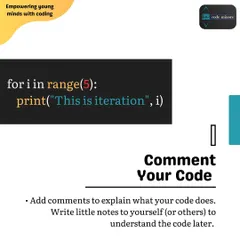
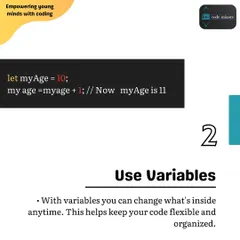
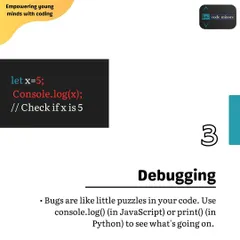
Coding Fundamentals A-Z: Building Blocks for Young Developers
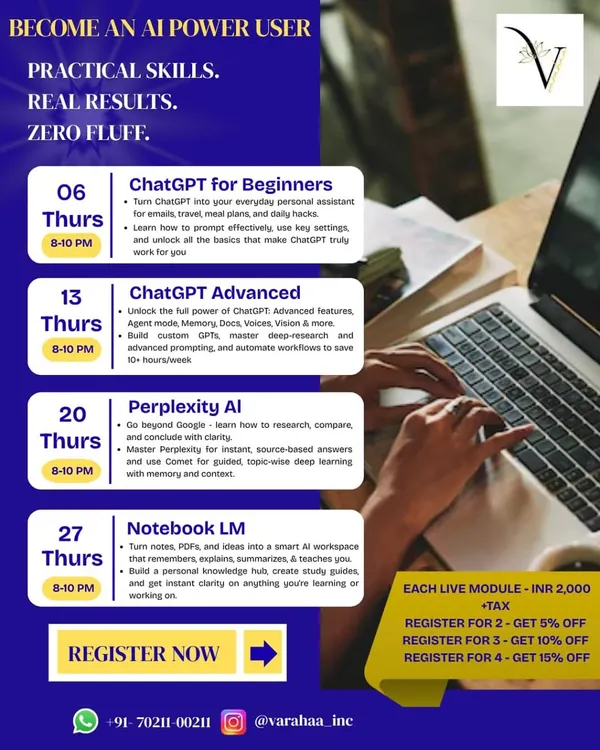 8
8

Featured Skill-Building Workshops
 17
17
Coding Concepts Explained for Kids
 21
21
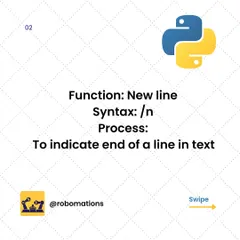

Python Quick Guides for Aspiring Coders
Why Coding is a Superpower for Kids
Practical Interior Design Workflows and Pro Tips
More from Specialized Tech & Digital Skills by Visual Labs
More services by Visual Labs