Coding Tools & Expert Development Tips
Coding is about working smart, not just writing more lines. These tools and tips will help you speed up your workflow and solve problems faster.
As the 'AI guy', I am often asked for tool recommendations. In this video, I share three essential AI tools every programmer should use: GitHub Copilot, Cursor, and Codium.
This infographic showcases the top AI tools to boost your work across different categories, including AI bots like ChatGPT, coding assistants like GitHub Copilot, and data tools like Tableau.
Here is a list of powerful AI tools that can act as your superpower. It includes AI code assistants like GitHub Copilot, research assistants like Perplexity AI, and visual storytelling tools like Tome AI.
This graphic introduces a list of free APIs that every developer should know. Using APIs allows you to integrate powerful external services into your applications.
The OpenWeatherMap API is a great free resource for getting current weather data, forecasts, and historical information for your weather app projects.
The REST Countries API provides detailed information about countries, including population, currencies, and borders, which is useful for a variety of applications.
The News API allows you to fetch articles and breaking news headlines from various sources, perfect for building a news aggregator or blog.
For space enthusiasts, the NASA API gives you access to a universe of data, including space images, asteroid data, and Mars rover photos.
Need a laugh? The Joke API returns random programming jokes, general jokes, and more, which can be a fun feature to add to any project.
Boost your coding speed with these essential keyboard shortcuts for VS Code. Mastering shortcuts for actions like saving, finding, and replacing text can save you hours.
About Coding Tools & Pro Tips
Mastering VS Code shortcuts or integrating AI tools like GitHub Copilot isn't just a productivity hack. It is the real difference between spending hours on repetitive boilerplate code and actually focusing on the core logic of your application. When you stop fighting your IDE and start letting it assist you, your output quality shifts completely.
Beyond the Classroom
Most college curriculums focus on syntax, but the industry demands efficiency. At Visual Labs, we teach you how to treat your code editor as a command center. Whether you are working on a MERN stack project or crunching data with Python, your environment dictates your speed.
Essential Tools for Every Developer
- AI Assistants: Tools like GitHub Copilot and Cursor are not just shortcuts. They are pair programmers that help you debug and structure code faster. Using them correctly is a skill in itself.
- API Integration: You do not need to build everything from scratch. Using public APIs like OpenWeatherMap or NASA APIs is a fantastic way to add real-world functionality to your portfolios.
- IDE Mastery: Whether you choose PyCharm, IntelliJ, or VS Code, you should know its ecosystem. Shortcuts, extensions, and debugging tools save you hours of manual effort.
The Reality of Development
Students often ask me, "Aman, which language should I learn first?" My answer is always the same: pick one, learn the fundamentals, and build. Stop worrying about which tool is perfect and start building projects that solve actual problems.
We focus on the tools that are actually used in Mumbai tech offices. We don't believe in just memorizing definitions. You will learn to use Git for version control, understand the difference between SQL and MySQL, and deploy projects so you can actually show them to recruiters. If you are stuck in a cycle of tutorials, it is time to shift your approach and start building.
Similar work from other experts
Browse through Curated picks from other experts on mytribe
 19
19
Understanding Modern Coding: AI, Foundations, and the Future
 7
7
Master AI for Work & Life
 21
21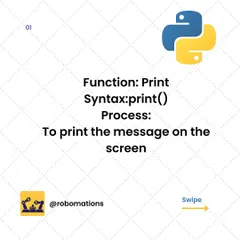
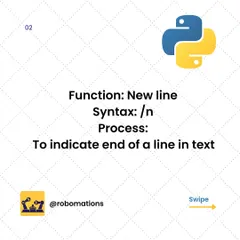
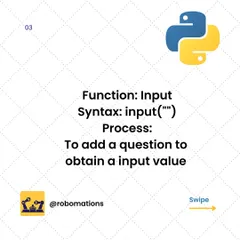
Python Quick Guides for Aspiring Coders
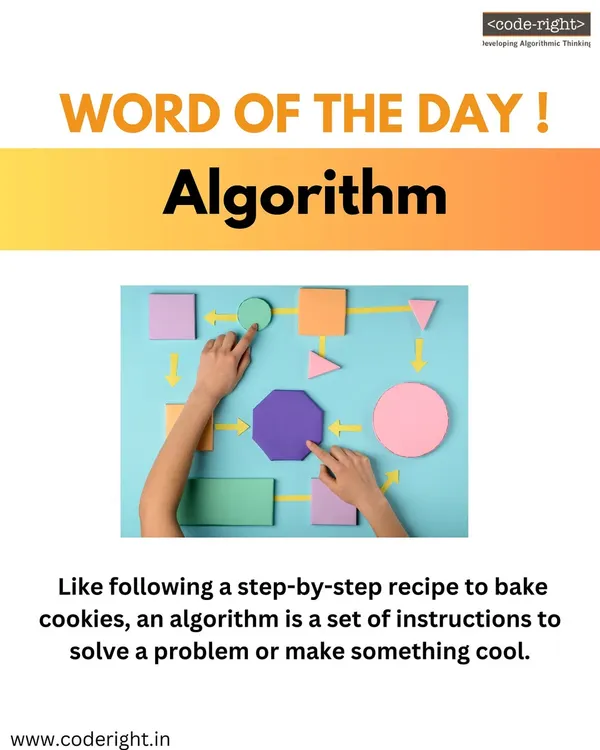 17
17

Coding Concepts Explained for Kids
 23
23
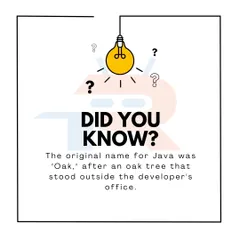
Core Concepts in Coding, Robotics, and AI
 26
26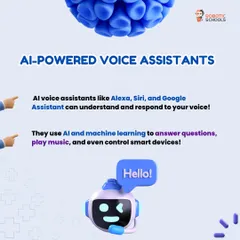
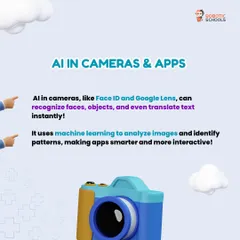
Understanding the World of Tech: Robotics and Coding Basics for Kids
More from Software Engineering Bootcamp by Visual Labs
More services by Visual Labs