DIY Bulb Security Cameras for Easy Home Monitoring
Wiring aur drilling ka tension khatam. In cameras ko bas bulb ki tarah fit karo, WiFi se connect karo aur apne phone par live dekho. Security ab simple hai.
Here is a clear look at my bulb-shaped wireless security camera. The video shows how you can monitor your home's exterior directly from the mobile app, giving you complete peace of mind.
This video demonstrates the versatility of the bulb camera, showing it installed in a rural farm setting to monitor livestock. You can see the live feed on the phone, proving it works well for both indoor and outdoor surveillance.
A quick demonstration of the WiFi bulb camera. It easily screws into a holder and connects to your phone, allowing you to pan and tilt the camera remotely for a full view of the area.
This video shows both the bulb camera and the mini wireless camera. It highlights how you can connect the bulb camera to your phone for live viewing without any complicated wiring.
About Bulb Wale Security Cameras
The main benefit here is zero wiring. You just screw the camera into any standard light bulb holder. There is no need to call an electrician or drill holes in your walls. Once it is screwed in, you pair it with your 2.4GHz WiFi network through the V380 Pro or iCSee app, and you get a live feed directly on your phone.
No Complicated Installation
Forget about hiring technicians or messing with power cables. Since these cameras draw power from your existing light socket, they are perfect for renters or anyone who wants a quick security upgrade. Whether you are monitoring a godown, your living room, or your shop, the 360-degree pan and tilt functionality ensures you do not miss any corners.
What You Get:
- 360-Degree Coverage: Remote control movement via your smartphone.
- Night Vision: Clear monitoring even when the lights are off.
- Two-Way Audio: Use the mic and speaker to talk through the camera.
- App Support: Works with standard apps like V380 Pro and iCSee.
A Few Things to Remember
While setup is easy, ensure your WiFi is 2.4GHz as these devices do not support 5GHz networks. Also, you will need a MicroSD card if you want to record the footage for later playback—that is not included in the box. If the setup feels a bit tricky initially, just take your time pairing it to the app. It works perfectly once the connection is established.
Similar work from other experts
Browse through Curated picks from other experts on mytribe
WiFi Security Cameras for Home and Business
 5
5
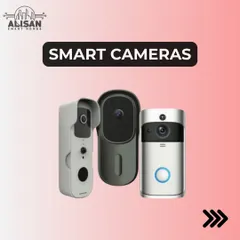
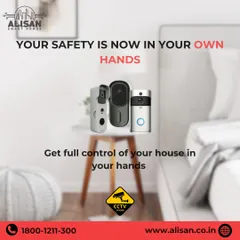
Smart Security Cameras for Home Surveillance
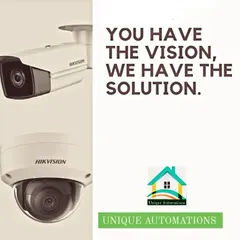
24/7 Surveillance: CCTV & Video Doorbells
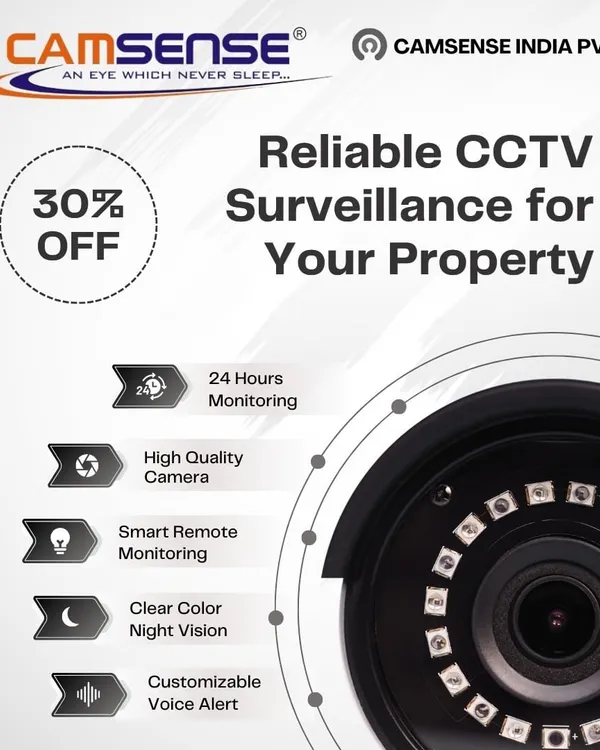 14
14
Advanced Camera Technology & Features
 10
10
CCTV and Video Surveillance Systems for Homes
 4
4
24/7 Surveillance and Remote Monitoring Systems
More from Specialty Gadgets & Electronics by Tikhaal Tech
More services by Tikhaal Tech