Digital Illustrations on Procreate
I use my iPad and Procreate to turn ideas into clean, vibrant digital art. From minimalist landscapes to custom illustrations, I design pieces that feel personal and fun.
Watch me draw this delicious-looking ice cream cone from start to finish on Procreate. This tutorial shows how I use layers, shading, and highlights to make the digital illustration look realistic and appetizing.
This is a step-by-step video of me creating a lighthouse scene at sunset using the Procreate app. I start with simple shapes and gradually add color gradients, details, and lighting to complete the illustration.
A cozy blue cabin illustrated digitally on my iPad. I focused on creating a warm, inviting glow from the windows, contrasting with the cool blue of the house and the bare winter trees.
Here's another simple landscape tutorial on Procreate, this time showing a view from an airplane window. I use soft color blends to create a dreamy, pastel-colored sky over layers of mountains.
About Digital Illustrations on Procreate
Every digital illustration I create starts with a blank screen and a specific mood in mind. I use Procreate to layer colors and lighting, ensuring that whether you want a cozy landscape or a vibrant food illustration, the final piece feels like it was made just for you.
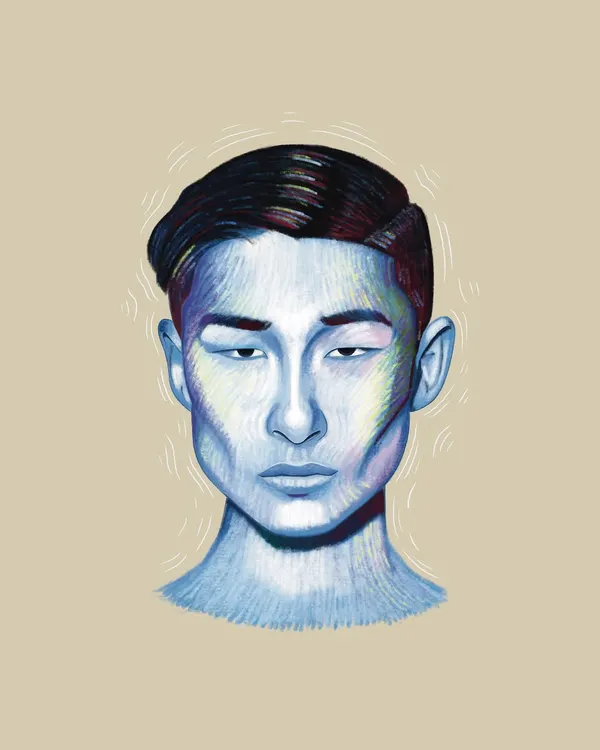
When you commission a digital piece, we start by chatting about the vibe you want. I use my iPad Pro and Apple Pencil to sketch out the ideas, focusing on how different layers in Procreate can change the final look. Whether it is a quiet landscape, a detailed food illustration, or a stylized portrait, my process is all about making the art feel personal.
Sometimes the sketching phase is smooth, and other times it gets messy before it clicks, but that is part of the fun of creating. I share my process and tutorials because I love showing how art moves from an idea to a finished file. Once the illustration is complete, I make sure the colors and details are exactly right before sending it over. You can use these pieces for digital displays, prints, or just as a personal souvenir that reflects your own taste.
If you have a concept in mind, even if it is just a rough idea, tell me about it. We can work together to turn it into a high-quality graphic that fits your space or your project.
Similar work from other experts
Browse through Curated picks from other experts on mytribe
 18
18
Custom Digital Illustrations and Patterns
 10
10
Modern Digital Portraits & Illustrations
 4
4
Digital Illustrations That Tell Your Story
 10
10
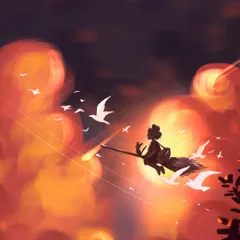
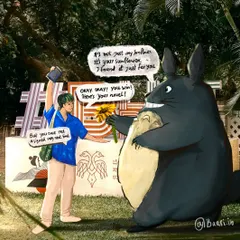
Digital Illustrations and Procreate Sketches

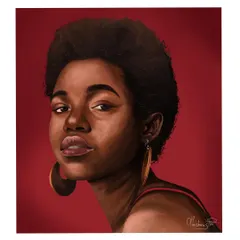
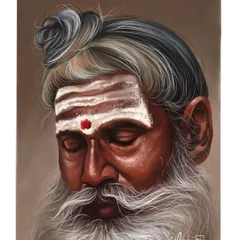
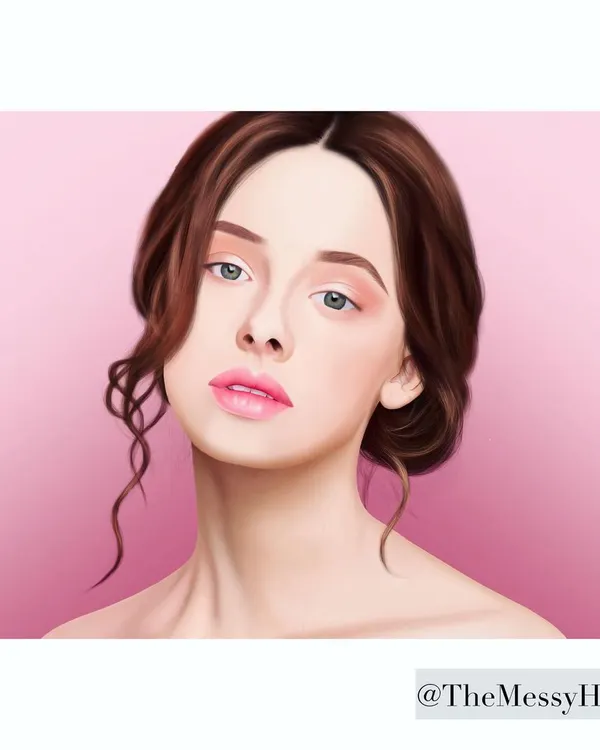
Custom Digital Portraits and Illustrations
 11
11
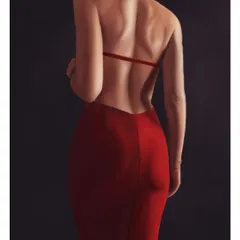
Digital Art & Custom Procreate Illustrations
More from Custom Artwork & Illustrations by Bhagyashree Bhatt
More services by Bhagyashree Bhatt