Digital Art & Custom Procreate Illustrations
My digital sketchbook where I play with light, texture, and movement. From hyper-realistic portraits to looping animations, these pieces explore the possibilities of drawing on a screen.
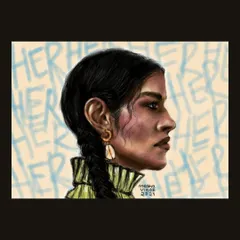
My first digital portrait created on Procreate. It was a long process, especially figuring out how to paint realistic hair, but I learned so much and was proud of the final result.
A short, animated GIF of a bonfire in a forest. I followed a tutorial to learn how to create the fire animation effect, adding a dynamic and cozy element to the digital painting.
A hyper-realistic digital painting of lips with a chocolate ball. This piece was a technical challenge, focusing on rendering glossy textures, reflections, and the dripping chocolate.
A digital study of the human form, focusing on the tones and shadows of the back. I find that art is like meditation; it takes practice and precision to improve your skills.
A close-up of a commissioned digital painting of Krishna's crown. I used various brushes in Procreate to create the textures of the feathers, flowers, and metalwork.
My very first animation attempt on Procreate. It's a simple animation of steam rising from a coffee cup, but it was a big step for me in learning how to make my art move.
A digital painting practice focused on a glittery eye makeup look. This was a fun study in rendering different textures, from the soft skin to the sparkling glitter and fine eyelashes.
A realistic digital painting of cherries. This piece was all about practice, focusing on how to create the shiny, reflective surface of the fruit to make it look three-dimensional.
A full-figure digital illustration of Lord Krishna, commissioned for a Janamasthami event. I enjoyed bringing this divine figure to life with vibrant colors and flowing garments.
A side-by-side look at the full Krishna illustration and a close-up of his face. This shows both the overall composition and the intricate details that go into a digital piece.
About Digital Creations & Animations
Working on an iPad is just as much a process of trial and error as painting on a canvas. I do not use filters or automated tools. When you look at these portraits or illustrations, you are seeing hours of manual layering, testing out textures, and finding the right light, all done stroke by stroke on Procreate. Whether I am capturing the reflection on a pair of lips or the flow of feathers, the goal is to make digital art that feels as tactile as a physical painting.
My Digital Playground
Digital art gives me a different kind of freedom. I can experiment with light gradients, erase without leaving a mark, and play with animation frames in ways I cannot on paper. This gallery is where I document those experiments—from my first attempts at making steam rise from a coffee cup to complex devotional pieces.
Why Commission Digital?
People often ask if digital art is less personal because it’s on a screen. I believe it is about the hand that moves the stylus. When I take on a commission for a digital portrait or illustration, I start with a blank screen. I build the piece from the ground up, focusing on the details that matter to you.
- No Templates: Every line is drawn specifically for your piece.
- Versatile Use: Digital files are perfect for printing on canvases, posters, or using as personal profile avatars.
- Process Transparency: You get a piece of work that reflects a blend of traditional artistic principles applied through modern technology.
My Toolkit
I primarily use Procreate on the iPad Pro, though I also explore Adobe Fresco for its unique watercolor and oil brush simulations. These tools allow me to push the boundaries of texture and color, enabling the kind of hyper-realism you see in my study pieces. If you have an idea that needs to be brought to life with vibrant color and clean lines, this medium might be the right fit.
Similar work from other experts
Browse through Curated picks from other experts on mytribe
 10
10
Modern Digital Portraits & Illustrations
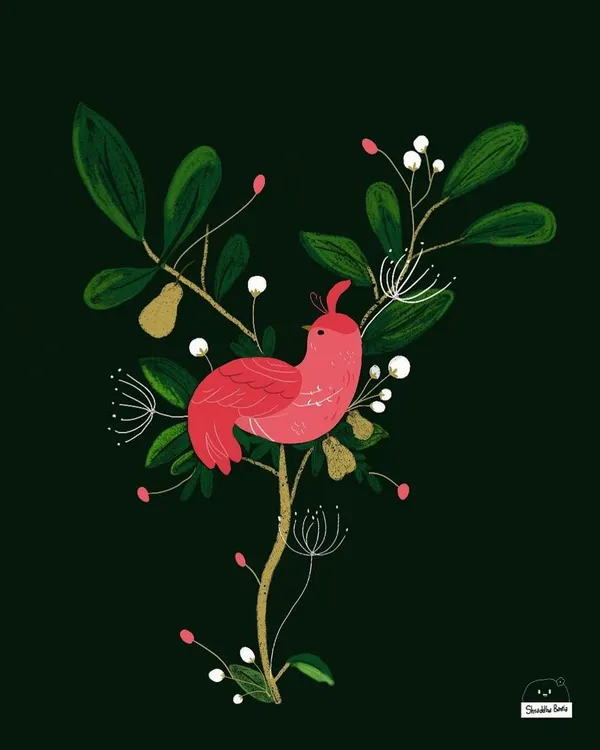 4
4
Digital Illustrations That Tell Your Story
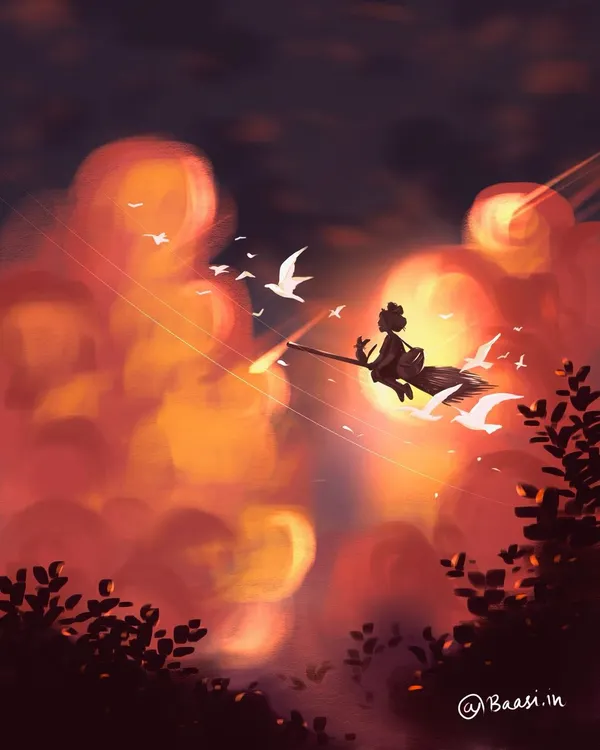 10
10
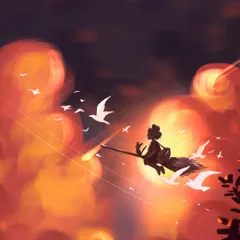
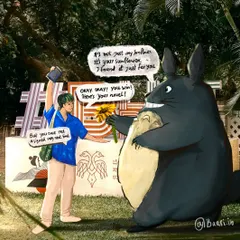
Digital Illustrations and Procreate Sketches
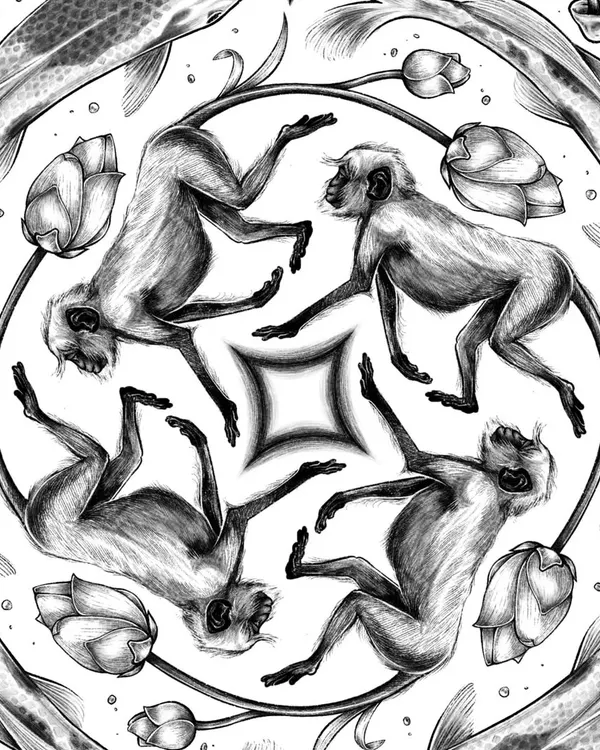 18
18
Custom Digital Illustrations and Patterns
Custom Digital Portraits and Stylized Illustrations
Digital Illustrations on Procreate
More from Original Artwork for Sale by The Messy Hand
More services by The Messy Hand