Student Coding Projects and Game Creations
See the games, animations, and apps our students have built. From arcade clones to sports simulations, these projects show how your child can turn their screen time into creative playtime.
This is a "Fruit Ninja" game developed by one of our talented students. You can see the different game modes and the slicing action, all built using the concepts taught in our coding foundation course.
A screenshot of a football game project created by a student during the World Cup. It shows the Scratch platform in action, with the code blocks on one side and the playable game on the other, a great example of project based learning.
This screen recording shows a student's football game in motion. We encourage kids to build projects based on their passions, which makes learning to code much more engaging and fun.
About See What Our Students Create
When you look at these projects, notice that the code is built using visual blocks that snap together like a jigsaw puzzle. We teach kids to treat their screens as a canvas, so instead of just playing a game, they learn the logic of gravity, scoring systems, and character movement to build their own from scratch.
Building Logic One Block at a Time
We start kids with Scratch because it removes the fear of typing code and allows them to focus entirely on problem-solving. Whether it is a student recreating a physics-based game like Fruit Ninja or building a custom football field for a sports simulation, the foundation remains the same: step-by-step logic.
Why This Approach Works
- It is Tangible: When kids see their code result in a character jumping or a ball moving, they get immediate feedback. That loop of idea, code, and result keeps them engaged.
- No Prior Knowledge Needed: Most students come to us with zero experience. We provide project templates and a live orientation webinar to get them past the initial hesitation of not knowing where to start.
- Tailored to Interests: Does your child love football? We help them build a game around it. Obsessed with space? We build a rocket simulator. We align the curriculum with what already excites them so learning feels like play.
Frequently Asked Questions
Does my child need a powerful computer? Not at all. Scratch runs on any modern browser. A standard laptop and a stable internet connection are all they need to participate.
What happens if they get stuck? Our classes are live and interactive. Our teachers are patient—they walk the kids through the debugging process so they learn how to fix mistakes rather than just getting the answer.
Can a 6-year-old really do this? Yes. Block-based coding is designed for their developmental stage. It is about reading and sorting, not complex syntax, making it the perfect introduction to the world of programming.
Similar work from other experts
Browse through Curated picks from other experts on mytribe
 6
6
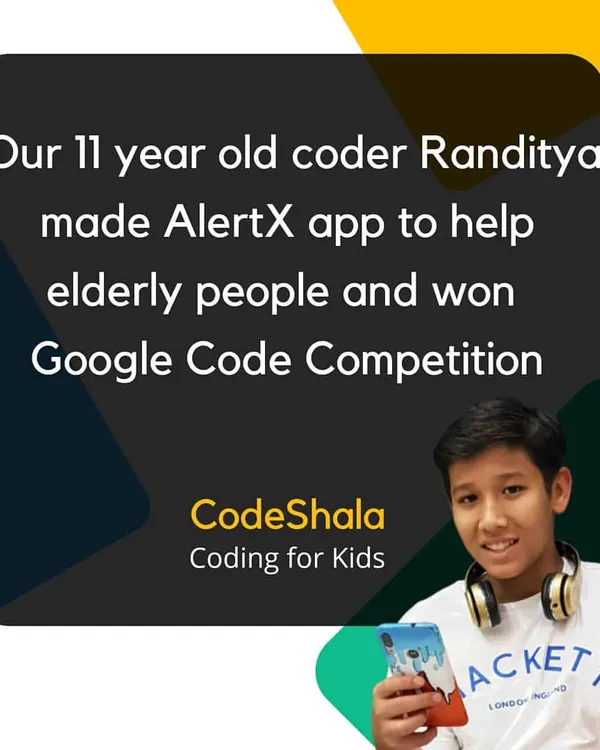
Coding Classes for Kids: Featured Success Stories
 13
13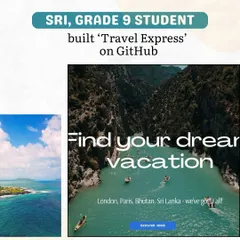
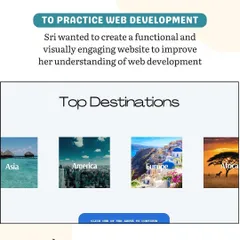
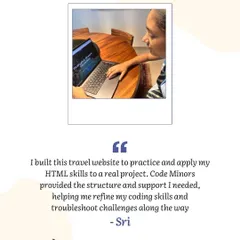
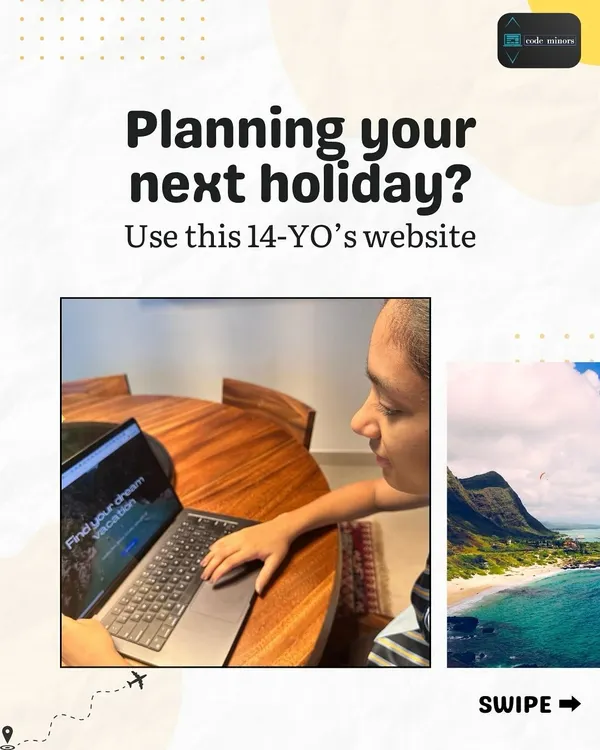
Apps, Games, and Websites Built by Students
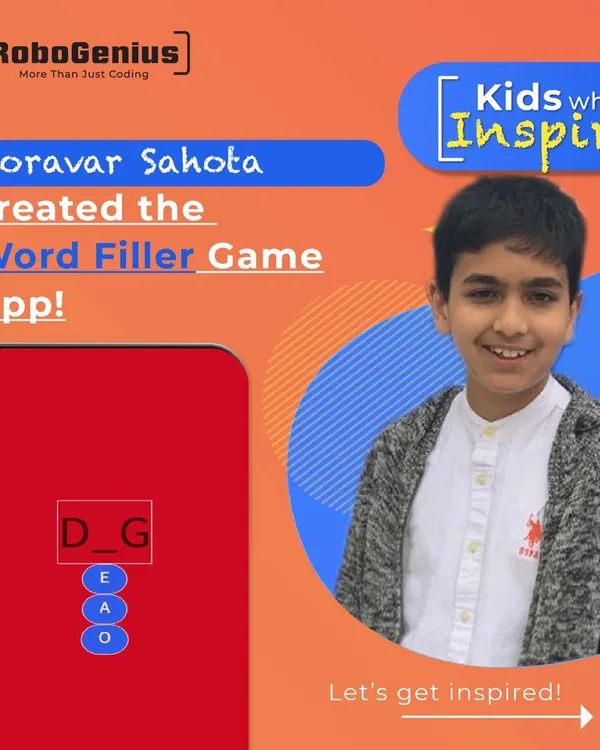 6
6
Student Coding Projects & App Portfolio
Coding & App Development Classes for Kids
Digital Creators: Fun Coding & Game Design for Kids
Game Development & Animation Coding Workshops for Kids
More from Coding Competitions for Kids by Coders Kingdome
More services by Coders Kingdome