Actionable Digital Decluttering Tips
Is your phone constantly buzzing and running out of storage? You don't need a tech degree to fix it. Here is how I help you clear the digital noise and reclaim your headspace. 📱
Let's start with a simple but powerful first step: an app detox. Removing apps you no longer need is the quickest way to free up phone storage and simplify your home screen.
To uninstall an app on most Android phones, you just need to long-press the app icon. This simple action is the beginning of taking back control of your digital environment.
Beyond just deleting, it's important to manage the files you keep. I recommend specific tools that help you identify duplicate files, large videos, and old downloads that are taking up valuable space.
A great tool for managing your phone's storage is the Files by Google app. In our sessions, I show you how to use apps like this to automate the cleaning process and maintain an organized device.
Reducing notification overload is key to improving focus and lowering digital stress. Deciding which apps truly need your immediate attention is a skill that brings immediate peace of mind.
Turning off non-essential notifications is straightforward. By going into your phone's settings, you can customize alerts on an app-by-app basis, ensuring only the most important updates get through.
About Actionable Digital Decluttering Tips
When I work with clients, the biggest relief isn't just freeing up phone storage—it's silencing those constant, nagging notifications. We’ll go through your apps one by one to see what actually adds value to your day and what is just noise, leaving you with a setup that helps you focus instead of constantly pulling your attention away. 📱
My approach to digital organization is the same as my physical one: pehle saaf karo, phir organise karo (clear out first, then organize). Digital clutter often hides in plain sight, making you feel overwhelmed before you even start your day.
Why Digital Decluttering Matters
It is not just about having 0GB of free space. It is about how your devices interact with your brain. If you are constantly clearing pings or hunting for that one specific file, your focus is shot. My 1-on-1 virtual sessions are designed to stop this cycle by:
- The App Detox: We audit every single app. If you have not opened it in three months, it goes. This instantly makes your home screen feel lighter.
- Notification Silence: I teach you how to turn off non-essential alerts. Your phone should serve you, not interrupt you every five minutes.
- File Architecture: Whether it is your laptop desktop, Google Drive, or iCloud, we create a folder structure that works for your logic, not a generic computer system.
How We Work Together
Since I am a NAPO-certified professional, I don't believe in quick fixes that fall apart in a week. My sessions are 75 to 90 minutes of active coaching. We work on your smartphone, laptop, or email together, and I give you the tricks to keep it clean. You will learn how to automate storage cleanup using tools like Files by Google, and more importantly, you will build habits to prevent the mess from creeping back in. ❤️
Similar work from other experts
Browse through Curated picks from other experts on mytribe
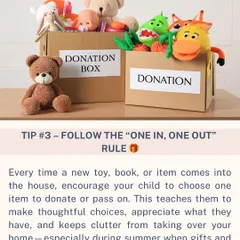
Smarter Home & Digital Organization Tips
Practical Home Organization Tips & Checklists
Our Organizing Process & Home Decluttering Tips
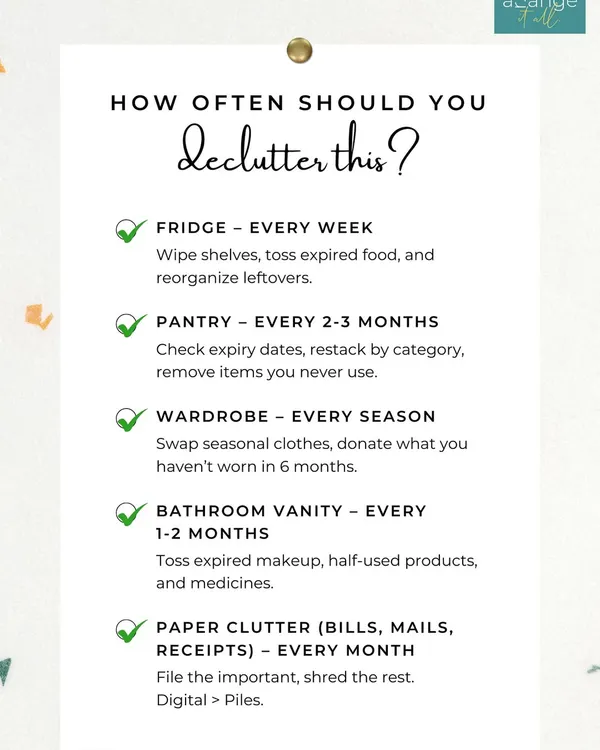 46
46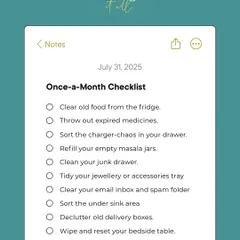
Practical Organizing Tips and Checklists
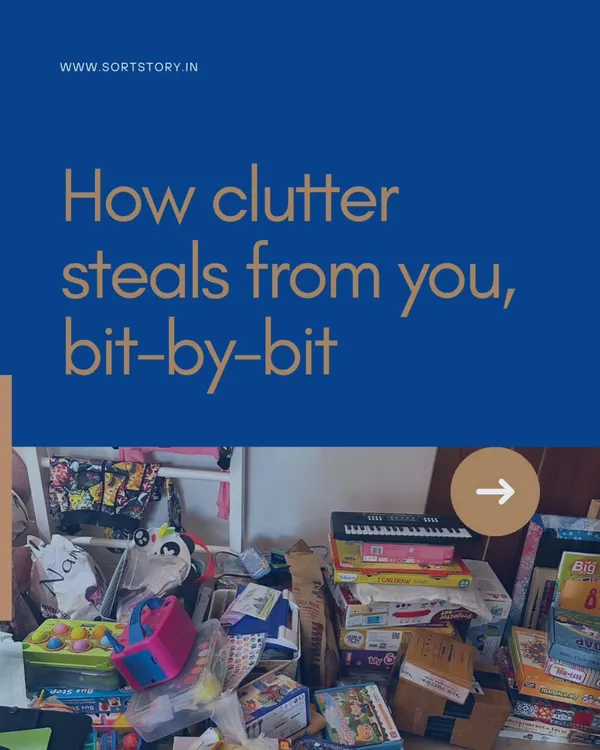 21
21
Practical Home Organizing Tips & Decluttering Philosophy
 7
7

Virtual Wardrobe Declutter and Organization
More from Digital Decluttering by Declutter with Shreya
More services by Declutter with Shreya