Custom Posters & Flyers for Local Marketing
Get noticed with sharp, professional prints that tell your story. Whether you need flyers for a new launch or posters for a store campaign, I handle the design and printing to ensure your brand stands out.
Here’s a look at a batch of sticker posters being printed for a health clinic's promotional campaign. These are perfect for displaying in high-traffic areas, as the adhesive back makes them easy to apply on various surfaces. I use Ultra HD printing to ensure every detail, from the text to the images, is crisp and professional, making your promotion look its best.
About Custom Posters & Flyers
Choosing the right paper matters more than you think. For projects like the diagnostic clinic posters in the photos, we used adhesive-backed vinyl so they can be peeled and stuck directly on clinic walls without needing extra tape. If you are distributing these in public spaces or outdoors, I always recommend our 170 GSM Art Paper with a matte lamination to ensure they stay crisp, clean, and professional regardless of the weather.
Printing That Works for Your Business
When you are planning a campaign, the material you choose defines how your brand is perceived. It is not just about the design; it is about the touch and feel.
Flyers vs. Posters: What do you need?
- Flyers (A5/A4): Perfect for high-volume distribution. We use 90 GSM for economy needs like newspaper inserts, or 170 GSM for a premium feel if you are handing them out directly at events.
- Posters: If you need to make a statement, these need to be durable. Our A3 adhesive posters or large-format banners use UV-resistant inks so the colors do not fade under indoor lights or sunlight.
Digital vs. Offset: How to save costs I always tell my clients, 'Don't pay for bulk if you don't need it.'
- Use Digital Printing for small batches (less than 500 copies). It is faster and allows for immediate edits.
- Use Offset Printing for large, bulk orders. It brings down the per-piece cost significantly while ensuring every single print looks identical.
Common Mistakes to Avoid
- Bleed Margins: Always ensure your text is at least 5mm away from the edge. If it is too close, the cutting machine might chop off a letter.
- Low-Res Images: A blurry logo on a screen looks like a disaster on a physical print. I always perform a quick quality check on your design files before we fire up the machine to make sure your brand identity stays sharp.
Similar work from other experts
Browse through Curated picks from other experts on mytribe
 4
4


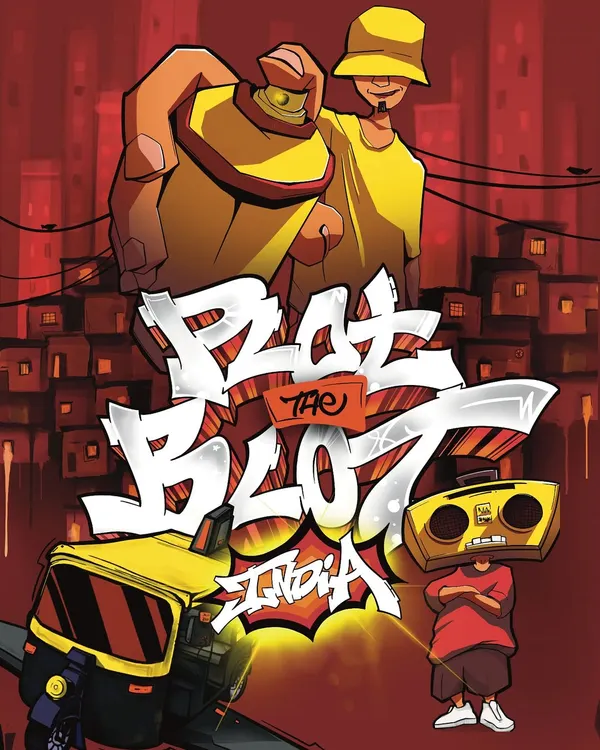
Digital Graffiti Posters & Illustration
Unique Event Additions and Custom Keepsakes
 5
5
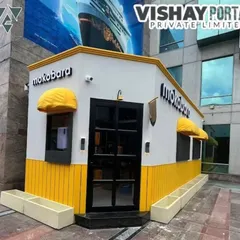
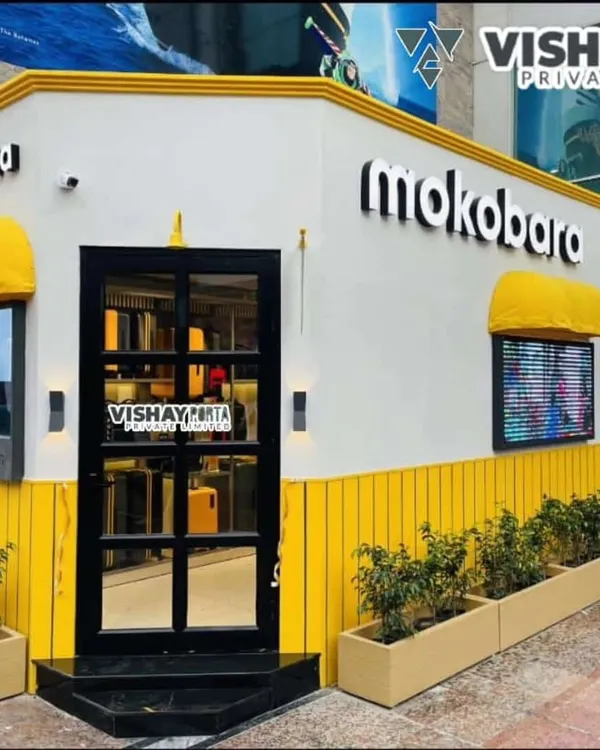
Custom Pop-Up Retail Stores & Mobile Brand Kiosks
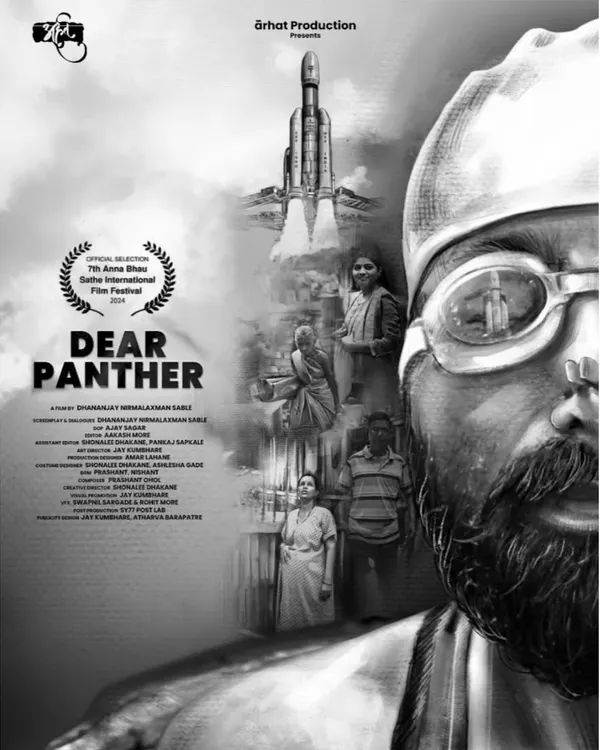 5
5
![This is the primary promotional poster I designed for the film 'Zindagi Milegi D[o]bara', a collaboration with Zee Cinema. The visual style is modern and tech-focused, using glowing blue lines and a dark background to create a mood of digital immersion and emotional distance between the characters.](https://assets.mytribe.in/insecure/rs:fill:240:240/f:webp/plain/s3://mytribe-assets-production/13e54149-11b5-42fd-88b4-728e13cfa181)
![Seeing my work in action is always a proud moment. This is a snapshot of the 'Zindagi Milegi D[o]bara' poster as it was officially promoted by Zee Cinema, complete with the channel's branding and premiere details.](https://assets.mytribe.in/insecure/rs:fill:240:240/f:webp/plain/s3://mytribe-assets-production/daf00d23-f3ef-4373-92bd-ea993fd62037)
Illustrative Film Poster Design Services
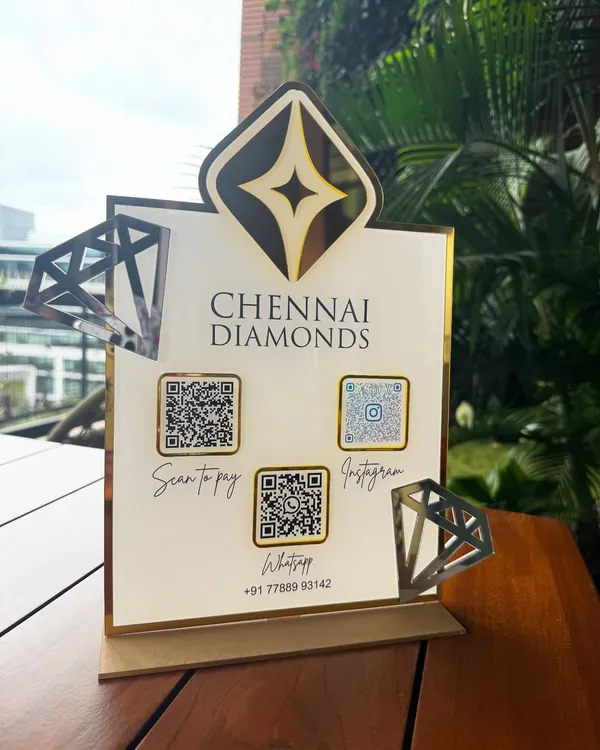 7
7Custom Branding & Business Stationery Solutions
Custom T-Shirt Printing for Teams and Events
More from Marketing & Promotional Materials by Printora Design
More services by Printora Design