Home Theater Setup & Installation Tips
Getting the gear is only half the battle. Here is how we ensure your home theater actually sounds like a cinema, from proper speaker placement to avoiding common setup mistakes.
Setting up the Audyssey calibration microphone might look like building a rocket launcher, but it's a crucial step for tuning your system. In this video, I show you how to assemble the stand correctly and position the microphone at ear level to get the most accurate room correction measurements.
When choosing a projector, light output or brightness, measured in ANSI Lumens, is a key feature. For home theater use, a projector with at least 1,000 ANSI Lumens is recommended to ensure a bright and vibrant image, especially in rooms with some ambient light.
Did you know the center channel speaker is the most important speaker in a surround sound setup? It handles the majority of dialogue and on-screen action, so investing in a high-quality center speaker is critical for clear and intelligible sound.
The AV receiver is the central hub of your entire home theater system. It connects your speakers, video sources, and display, processing both audio and video signals. Choosing the right receiver is fundamental to the performance of your setup.
Want to get more bass from your speakers without touching the EQ? Speaker placement is key. Placing a speaker close to a wall, or even better, in a corner, uses the room's natural acoustics to reflect and amplify low frequencies.
How long do speakers last? A quality pair of speakers can last for decades if maintained correctly. Unlike many electronics, speakers are built to withstand long periods of use, making them one of the longest-lasting components in your audio system.
Understanding speaker impedance is important for system matching. Most home audio speakers have an impedance between 4 and 8 ohms. Ensuring your speakers fall within this range means they can be safely and effectively driven by most AV receivers and amplifiers.
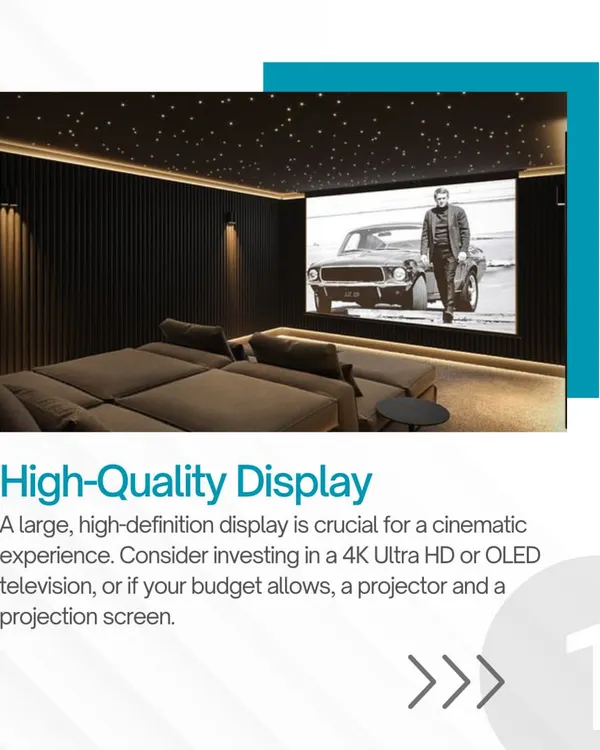
A simple tip for a better picture is proper screen selection. Always use a dedicated projection screen or a smooth, white, non-textured surface. Using colored or textured walls can negatively affect the image quality, color accuracy, and brightness.
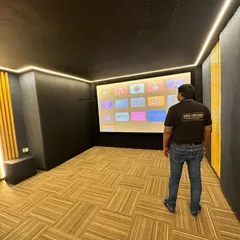
You can enjoy movies, OTT content, and even gaming on a big screen with a true cinematic experience. Our luxury home cinema solutions are custom designed to fit your space and lifestyle. Get in touch with us for a consultation.
A critical safety tip: never plug or unplug HDMI cables or other input and output cables while your system is powered on. This can cause electrical shorts that may permanently damage the sensitive ports on your expensive equipment like your projector or AV receiver.
About Pro Tips & Installation Guides
Most people focus on the brand of speakers, but the biggest performance bottleneck is almost always the room itself and how you calibrate it. We see systems with top-tier gear sound flat because the calibration mic wasn't placed at ear level or the speakers are too close to a wall. Small tweaks in placement and acoustic treatment often provide a bigger sonic upgrade than swapping an expensive AV receiver.
Why Calibration Matters More Than The Budget
Buying fancy gear means nothing without proper AV calibration. You can have the best speakers in the world, but if they are mismatched with your receiver or placed poorly, the output will suffer. We treat the room before we pick a single speaker. Sound mein hi real magic hai, look mein nahi (The real magic is in the sound, not the look).
Common Pitfalls We See
- The Wiring Trap: Don't leave wiring for the last minute. Unnecessarily long cable runs degrade signal quality. Plan your paths during the construction phase.
- The Power Socket Oversight: An AV receiver, projector, subwoofer, media players, and gaming consoles all need power. Plan for more sockets than you think you need near your main console.
- HDMI Handling: Never plug or unplug HDMI cables while your system is powered on. It can cause electrical shorts that permanently damage sensitive ports.
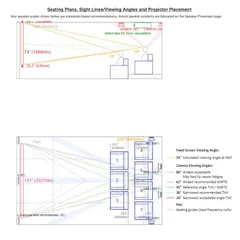
- Keystone Correction: Avoid using digital keystone and zoom functions on your projector. They soften the image and reduce resolution. It is always better to physically mount the projector at the correct distance and height.
System Synergy
Don't pair an underpowered AV receiver with power-hungry speakers, or vice versa. Proper power matching is essential for optimal performance and to prevent damage from clipping or distortion. Our process involves looking at your room size, seating distance, and habits—whether you are a gamer or a movie buff—to recommend components that actually fit your space.
Similar work from other experts
Browse through Curated picks from other experts on mytribe
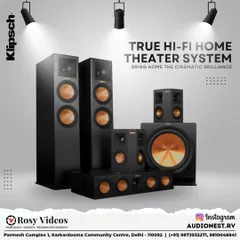

Professional AV Installation & Technical Setup Services
 27
27

Your Home Theater Questions, Answered
 4
4
Home Theater Design and Installation Process
 5
5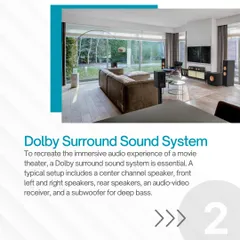
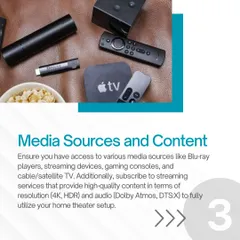

The Essential Components of a Home Theater System
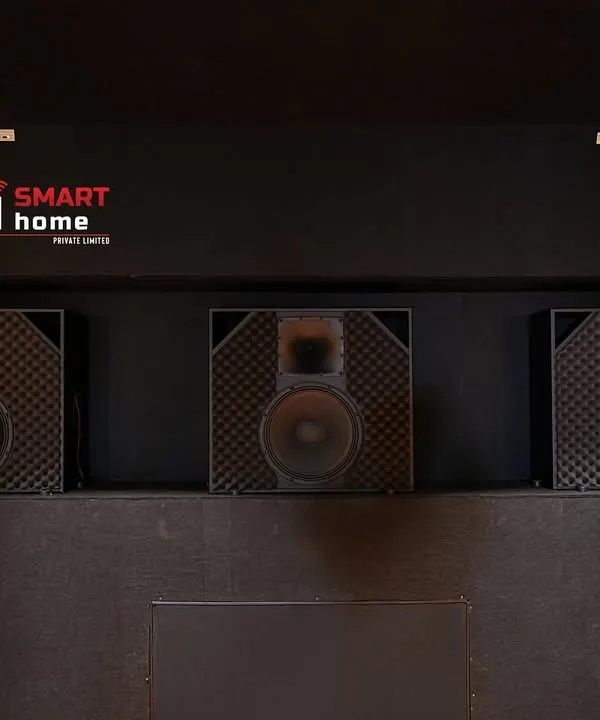 22
22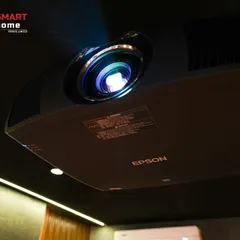
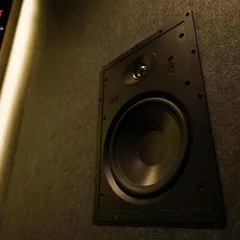
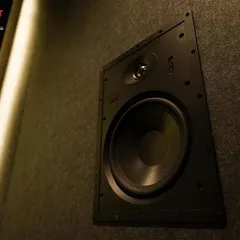
Professional Home Cinema Audio and Video Gear
 11
11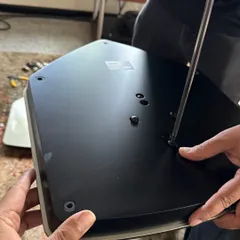
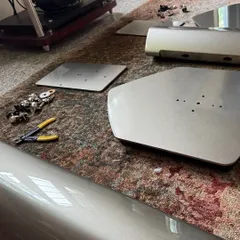
Our Craft: The Installation Journey
More from Home Cinema & Media Room Design & Installation by Audio Visual Kart
More services by Audio Visual Kart