Remote CCTV Monitoring with the OmniSurv Pro App
Securely manage your cameras, view live feeds, and access recorded footage from anywhere. The OmniSurv Pro app puts total surveillance control in your hands.
This step-by-step tutorial demonstrates how to install, connect, and use our Omnisurv Pro mobile application. Download it from the Google Play Store or Apple iOS Store to get started.
About Easy to Use: The Omnisurv Pro App
Getting your security system online is designed to be straightforward. The OmniSurv Pro app connects your NVR using a simple QR code scan, bypassing complicated router configurations. Once linked, you have complete control over live viewing, playback, and AI alert settings directly from your smartphone, ensuring your security is active wherever you go.
The OmniSurv Pro app is developed to serve as the secure interface for our indigenous NVR systems. Unlike generic apps that often suffer from security vulnerabilities or server instability, our platform is built to align with our STQC-certified infrastructure. This means your mobile feed is protected by the same end-to-end encryption used in our enterprise and government installations.
Why use the native app?
- Encrypted Access: Every stream is secured with AES-256 encryption. We ensure that your video data remains private, preventing unauthorized access commonly seen with insecure third-party software.
- Smart AI Integration: Receive instant notifications on your phone only when meaningful activity occurs. Our AI algorithms for human and motion detection help filter out false alarms like stray animals or tree movement, so you only check your feed when it matters.
- Direct NVR Control: The app allows for full remote management of your DVR or NVR. You can playback stored footage, manage cloud storage subscriptions, and adjust camera settings without needing to be physically present at the site.
- Simplified Setup: We believe in eliminating technical friction. The QR code pairing process ensures that your home or shop cameras are live within minutes of installation.
Whether you are managing a single camera at your residence or monitoring multiple business locations, the OmniSurv Pro app centralizes your security. It is built for Indian network conditions, ensuring low-latency video streaming even on varying 4G and 5G connections.
Similar work from other experts
Browse through Curated picks from other experts on mytribe
 4
4
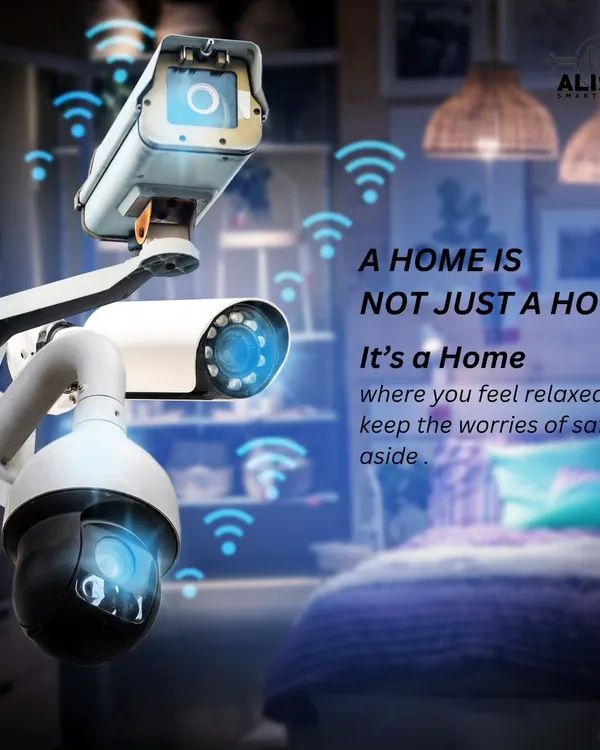
24/7 Surveillance and Remote Monitoring Systems
Live CCTV Monitoring & Remote Access Setup
 12
12
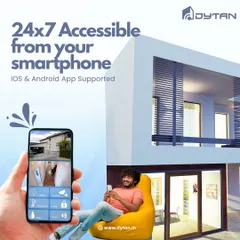
Control your home from anywhere with the Dytan app
 5
5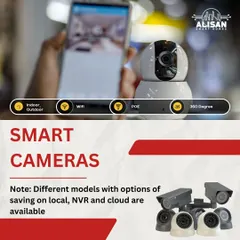


Smart Security Cameras for Home Surveillance
 15
15


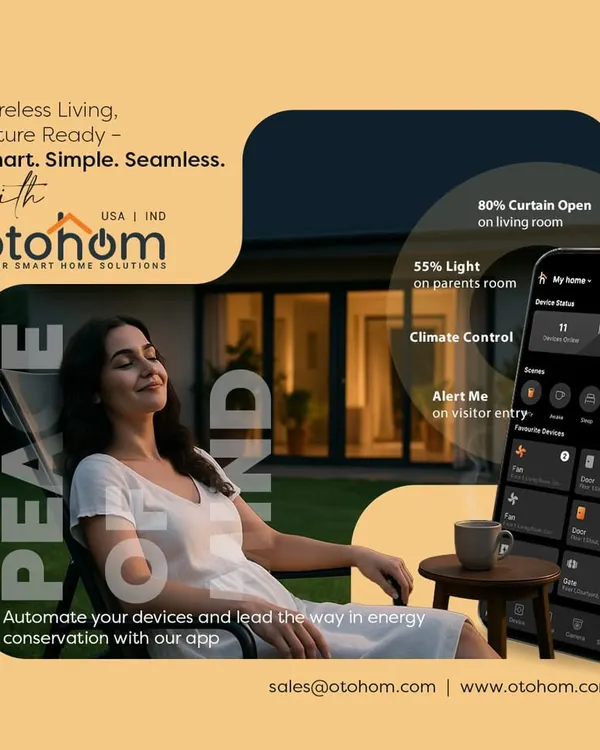
Control Your Home With The Otohom Smart App
 8
8Smart Security Cameras for Family and Pet Safety
More from Business & Home Security Systems by Sparsh
More services by Sparsh